 SEAM

A quote is only the starting point. SEAM checks costs, data freshness, and paper buying power before recording a fill.
Agentic TradingAround The Clock.
Trading agents for tokenized stocks and crypto on Robinhood Chain.

Stock Tokens
Crypto Tokens
Compare quotes. Simulate trades.
NVDA
AAPL
TSLA
UNISWAP V3
RAMSES V3
USDG
CHAINLINK
NVDA
AAPL
TSLA
UNISWAP V3
RAMSES V3
USDG
CHAINLINK
NVDA

Market Watch
See what each venue can quote.
SEAM reads size-specific quotes for the same Stock Token on Robinhood Chain. Each live scan compares quotes at a single block.
Chainlink provides a timestamped reference. The terminal shows its age alongside the venue quotes.

Agent Decisions
Set your trade size and minimum edge.
The scanner compares both legs, estimates gas, and applies your execution buffer and minimum net edge.
Every paper fill or skip includes the checks behind it.

Paper Portfolio
Track simulated fills and net P&L in USDG.
Market coverage
- 3 Stock Tokens tracked
- 2primary quote venues
- 0real trades sent
NVDA
AAPL
TSLA
USDG
Uniswap V3
Ramses V3
Agent Workflow
From market scan to trade decision.
Scan live markets or use replay. Compare venues, inspect route costs, and track how the net edge changes.
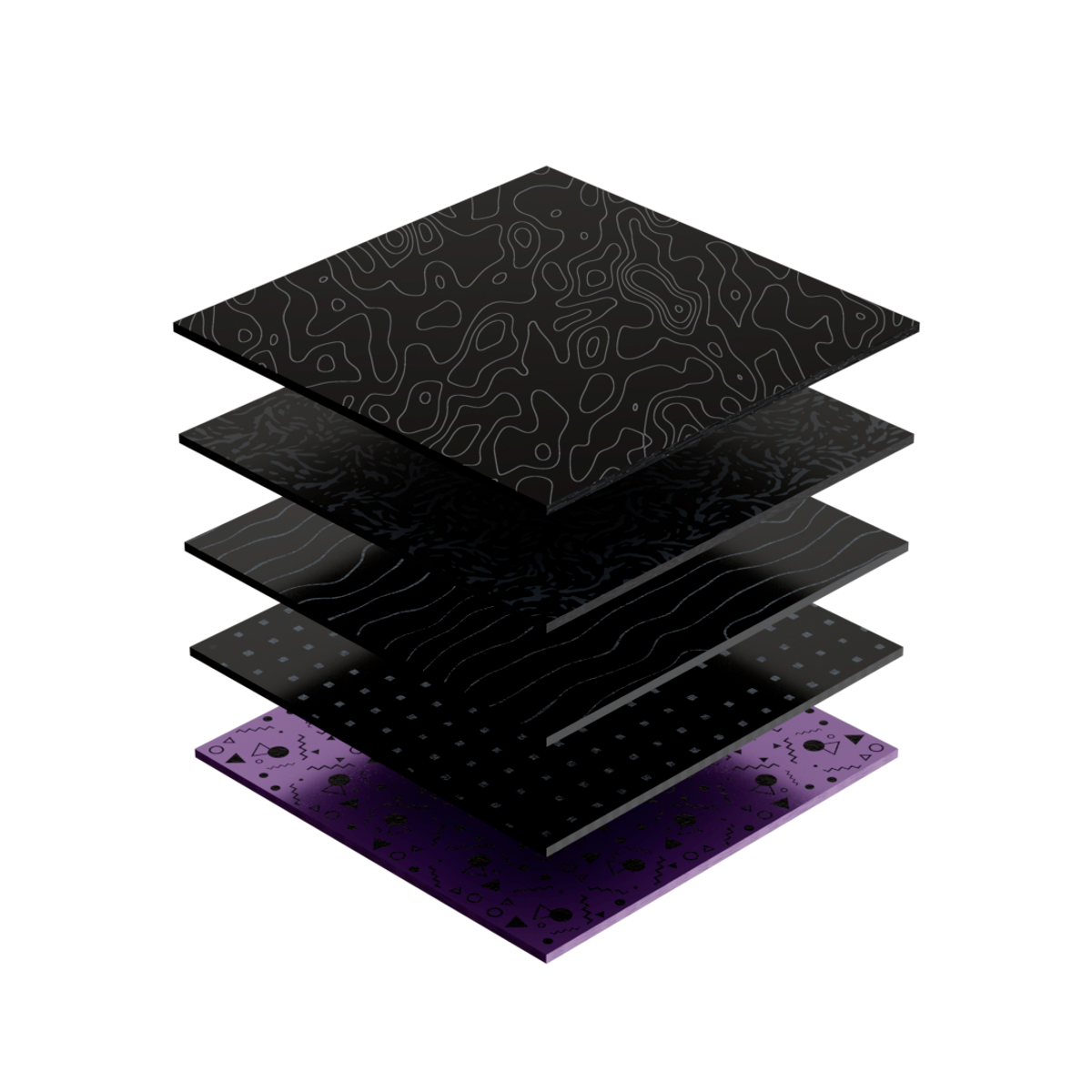
Quote
Read buy and sell prices for the same token quantity. See which venues can quote each leg.
Compare
Rank buy-sell routes by estimated net edge after gas and the execution buffer.
Monitor
Automatic scans update the ticker charts while the app is open. Pause whenever you want.
Set rules
Choose a trade size, minimum net edge, and freshness limits for paper fills.
Review
Inspect the reason behind each fill or skip and export the decision log.
How the agent evaluates a trade
Route checks
2
venues for a cross-venue route
1
block for both quotes
0
real orders sent in paper mode
Follow EachTrade Decision.
Scan controls
30s
between successful automatic scans
3
Stock Token charts
0
wallet signatures

Start with a replay.
Review the agent’s trade checks and see why it skips a route.

Switch to live quotes.
Read current market quotes directly from venue contracts on Robinhood Chain.

Set the size for both legs.
A quote can disappear at a larger size. The terminal reports which legs are available.

Review and export decisions.
The app keeps a paper ledger and lets you download the decision log as CSV.
Compare buy and sell quotes from the same block.
Compare replay and live modes.
Live quotesMarket replay
3
Stock Tokens
2
Primary quote venues
0
Real trades sent
3
Stock Tokens
2
Primary quote venues
0
Real trades sent
Data sources and execution rules are visible in the terminal.
Built for paper trading.
Venue connections
Live quotes on Robinhood Chain
Uniswap V3 and Ramses V3 quote NVDA, AAPL, and TSLA when liquidity is available. The terminal also tracks quote availability on Goo Exchange.
Simulation
Paper funds and simulated fills
The scanner reads public contracts. SEAM stores paper trading decisions on its server for this browser.
Read TheDecision Log.
A route qualifies when both quoted legs clear the execution checks.
The estimated edge can disappear after gas and the execution buffer.
The scanner skips a route if the reference price is too old or a buy or sell quote is missing.

Run a paper scan.
Watch live scans, review the agent’s decisions, and track simulated results by ticker.
FAQs
Live quotes, scan rules, and paper trading.
What is SEAM?
SEAM compares live Stock Token quotes across venues on Robinhood Chain. It applies your rules and records a simulated fill or explains why it skipped the route.
Which tokens can I scan?
The scanner compares NVDA, AAPL, and TSLA against USDG. Market Watch shows equity perpetuals and crypto spot prices from Lighter.
Which venues does it read?
SEAM reads Uniswap V3, Ramses V3, and Goo Exchange. Available buy and sell quotes depend on liquidity and selected size.
How does automatic scanning work?
The terminal opens in live mode and runs scans automatically while it is open. After a successful scan, the next scan starts in 30 seconds. Use Pause or Resume to control it.
Why was a route skipped?
Inspect its decision to see checks for both legs, quote age, reference age, gas, net edge, and paper buying power.
How does paper trading work?
SEAM uses venue quotes to simulate fills against a paper USDG balance and records each fill or skip in the Decision log.
Can I replay a scan?
Yes. Open Sample routes to explore an illustrative trade, or use Replay on any chart to repeat its animation. Scan history shows the recorded results.
Where is my history?
SEAM stores up to 1,000 of this browser’s latest paper trading decisions on its server for 30 days. Export them as CSV from the Decision log.